Canada · FS can be opened in a mobile browser using the same account. A home-screen shortcut is not proof of a native app. Install only through a download verified inside the official service, and never enter your password into an unknown APK or imitation login screen.
Ontario is excluded; Canada is not one gambling market
The operator terms exclude residents of Ontario. Outside Ontario, eligibility still depends on the province, the registration screen and the operator's current checks; a Canadian IP or CAD price is not approval by itself.
CAD, Interac and the real cashier question
Canadian players usually expect CAD settlement and Interac-style banking, but the live cashier decides which rails are actually offered. Check deposit currency, conversion, withdrawal return path and any method-specific limit before funding.
One account, matching payment ownership
Use legal identity details and a payment method in the same name. The operator can request identity, address, payment and source-of-funds evidence, with standard verification able to start once total transactions reach USD/EUR 1,000 equivalent.
Protection follows the province
Canada's safeguards are provincial. Ontario players can use ConnexOntario and the regulated iGaming Ontario system; players elsewhere should use their provincial gambling support and self-exclusion service rather than assuming one national process.
Use the mobile site safely
Start with the browser version on your phone. A shortcut added through the browser’s Add to Home Screen menu opens the website; it is not proof of a native app. We do not provide an unverified APK, store listing or download button.
If a game freezes, record its title and any round ID before closing it. Check the connection, update the browser and reopen the game once. Do not make another deposit to fix a loading problem. If a real-money round remains unresolved, contact support with the timestamp and device details.
Games and demos
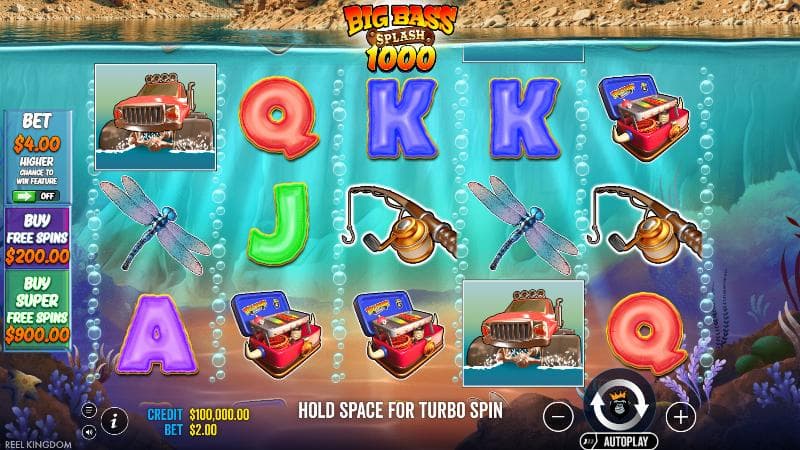
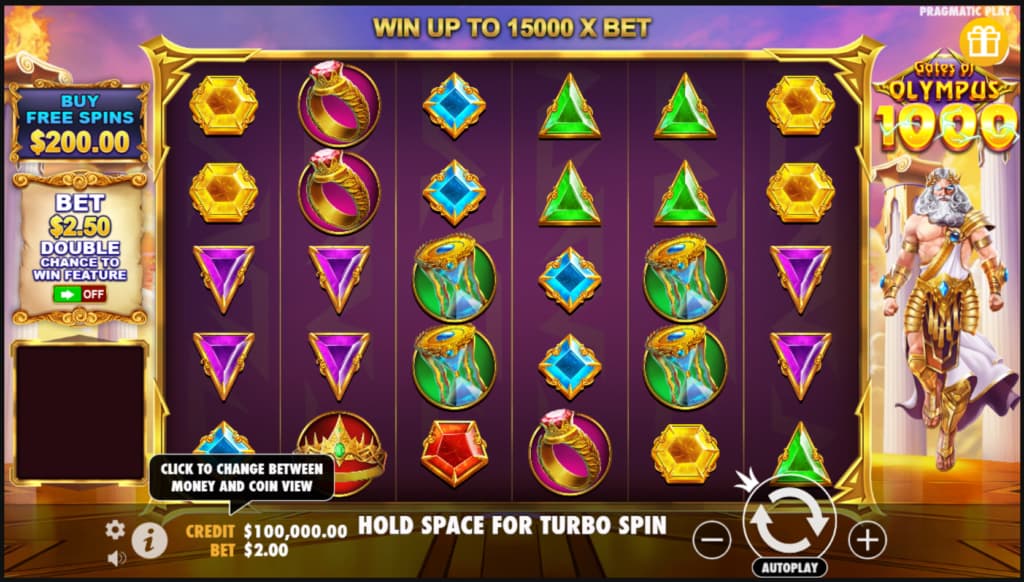
Search the FS demo selection by title or provider and open a game inside this page. Demo credits cannot be withdrawn. A short demo shows controls and features; it does not predict the next real-money session or prove bonus eligibility.
Payments
Before depositing, compare the method's minimum, currency, fees and withdrawal route in the cashier. Use an account or card in your own name. A displayed payment logo is not a guarantee that the method is available for your residence.
Help without signing in
You can email support@fs.casino even when you cannot access the account. Include the registered email, the error or request reference, its time and a concise description. Do not attach identity documents to the first message; ask for a secure submission route.